
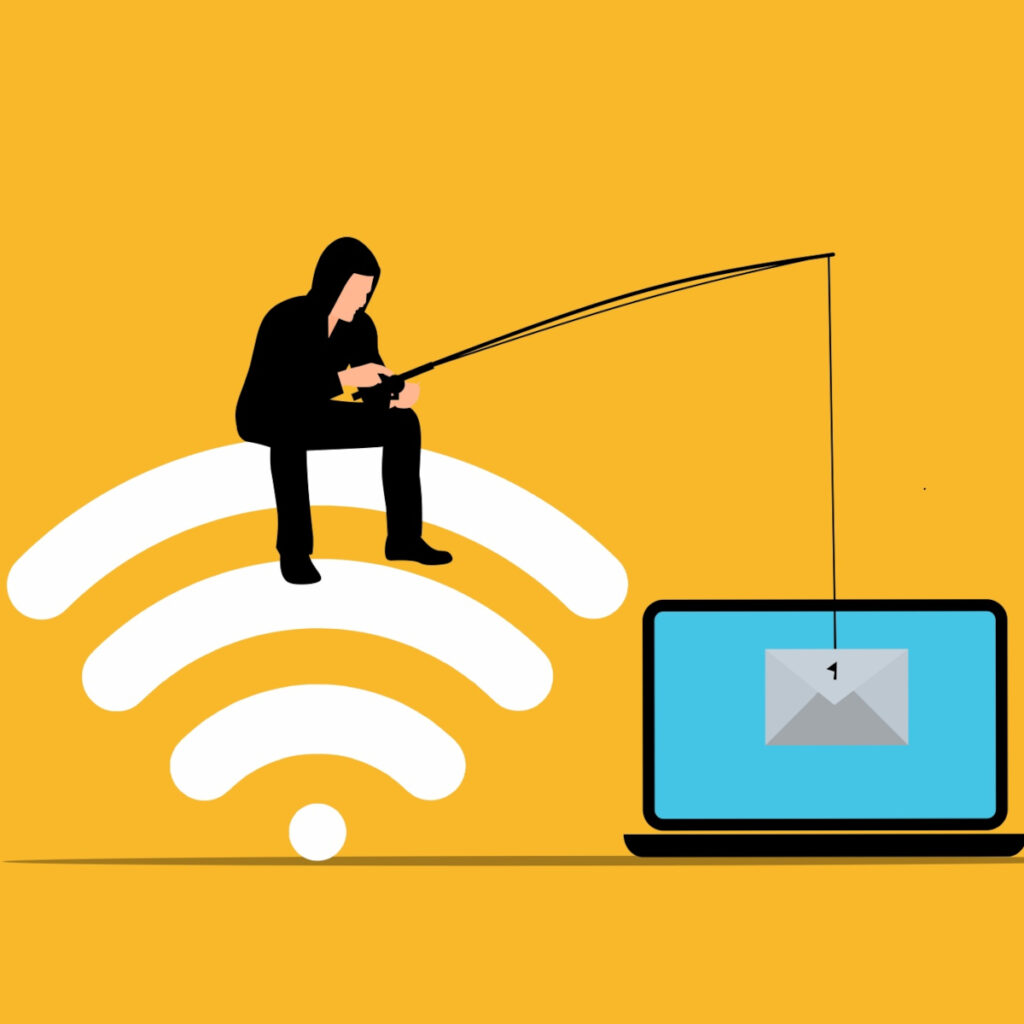
Every October, Cybersecurity Awareness Month reminds us of a simple truth: most attacks don’t start with clever hacking. They start with a message that looks just believable enough. This year’s National Cybersecurity Alliance theme, “Don’t Make It Easy for Them,” fits phishing perfectly. You can’t stop scammers from sending messages, but you can make sure yours never land.
What We'll Cover
Spot it: what phishing looks like today
Phishing is no longer just the badly spelled or worded email from a stranger. Today’s messages often arrive by email, text, phone call or even a shared document link, and they frequently imitate someone you know: a vendor, a bank, a coworker, or your own hosting provider. They tend to share a few traits:
- Urgency. “Your account will be suspended in 24 hours.”
- An unexpected request. A password reset you didn’t ask for, an invoice you don’t recognize, a gift card request from the boss.
- A link or attachment you weren’t expecting.
- A slightly-off sender. An address that looks right at a glance but has an extra letter or an odd domain.
- A billing notice. A domain renewal or hosting invoice that arrives around the time you’d expect one, from a sender you don’t recognize.
No single warning sign proves that a message is malicious. Several small inconsistencies together are a good reason to stop and verify. A padlock in the address bar doesn’t settle it either, because it only means the connection is encrypted with SSL, and scam sites can have one too.
Skip it: a quick pause routine
A message can look convincing even when the sender address is real or the request fits an ongoing conversation. For requests involving money, passwords, account changes, sensitive information, or unusual access, verify the request using a separate channel you already trust.
For example, if an email appears to come from an owner asking for a payment or a vendor asking you to change banking information, do not verify it by replying to that email. Call the person using a known number or start a new conversation through an established contact method.
Before taking action, ask three questions:
- Was I expecting this?
- Does the sender’s actual address or phone number match who they claim to be?
- Is the message asking me to hurry, sign in, send money, or provide information?
If the answer to any of those raises a concern, do not use the link or phone number in the message. Open the company’s website yourself, use a bookmark you already trust, or contact the person through a separate channel. This matters most for requests involving passwords, financial information, account access, or changes to payment instructions. Those requests deserve independent verification even when the message looks convincing.
Bonus tip: On a computer, hovering over a link shows where it actually goes. On a phone, pressing and holding does the same (make sure to press and hold or else you may accidentally follow the link). If the address doesn’t match the company the message claims to be from, skip it.
Report it: the step most people skip
Deleting a suspicious message removes it from your inbox. Reporting it gives the person responsible for security a chance to look for related messages and warn others.
This can also involve your accounts, not just your mail. Multi-factor authentication on your email, banking, and website admin accounts adds a safety net, since a stolen password alone isn’t enough to get in. If you ever get an approval prompt you didn’t start, deny it and report it.
Report suspicious messages even if you already clicked. A quick report gives your IT provider or internal contact more information about what happened and what to check next.
If the message turns out to be legitimate, that is still useful information. The goal is to make verification a normal part of handling unusual requests, not to expect employees to make a perfect decision every time.
If you clicked, act quickly
Do not spend time trying to decide whether you should report a mistake. Tell the appropriate IT or security contact as soon as possible.
Depending on what happened:
- If you entered a password, change it from a trusted device and change it anywhere else that password was reused.
- If you opened an unexpected attachment, follow your IT provider’s instructions about disconnecting the device or checking it for malware.
- If you entered financial information, contact the relevant financial institution through a trusted channel.
- If you approved an unusual login or MFA request, tell your IT provider immediately so they can review the account.
- Keep the original message if your IT provider needs it for investigation.
- If you entered the login for your website or hosting account, change it right away, then check for new admin users or changes you didn’t make.
The right response depends on what you clicked, opened, entered, or approved. Fast reporting gives someone a chance to contain the problem before it becomes larger.
Give your team an easy reporting path
People are more likely to report suspicious messages when they know exactly where to send them. Set one clear process for your staff and make sure everyone knows it. Pair that process with basic training on recognizing phishing attempts and managing passwords, so people know what to report as well as where to send it. We can help your business with this process, just send us a message and we’ll get in touch.